XStat reads live data from 291+ sensor channels across your CPU, GPU, RAM, and storage — then lets you design and display custom panels on your desktop and any device on your network.
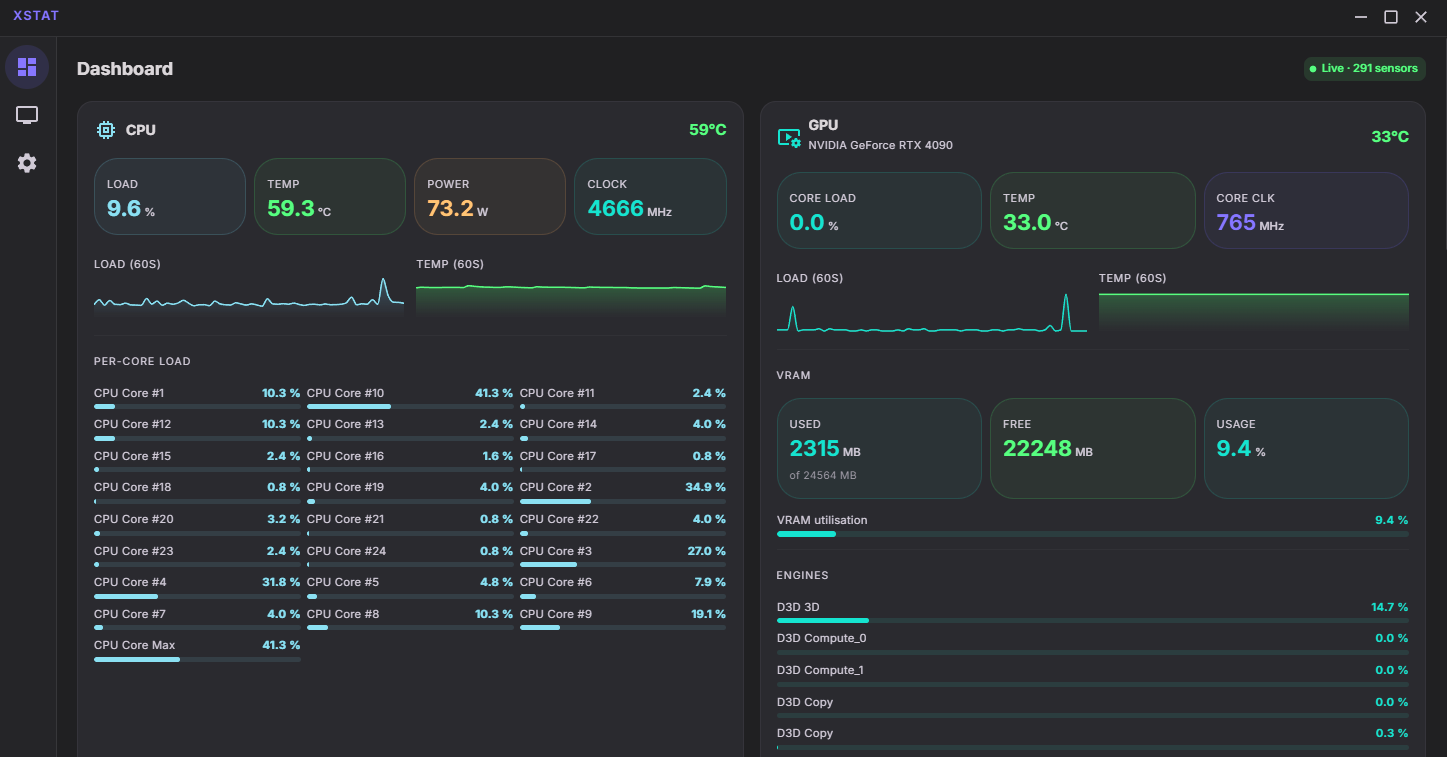
XStat combines a powerful desktop app with a built-in web server so your panels work everywhere — no cloud, no subscription, no compromise.
XStat uses LibreHardwareMonitor to pull data from every sensor in your system — CPU temperatures, per-core load, GPU clocks and memory, fan speeds, voltages, network throughput, and more. Updates are pushed over WebSockets so the display is always current.
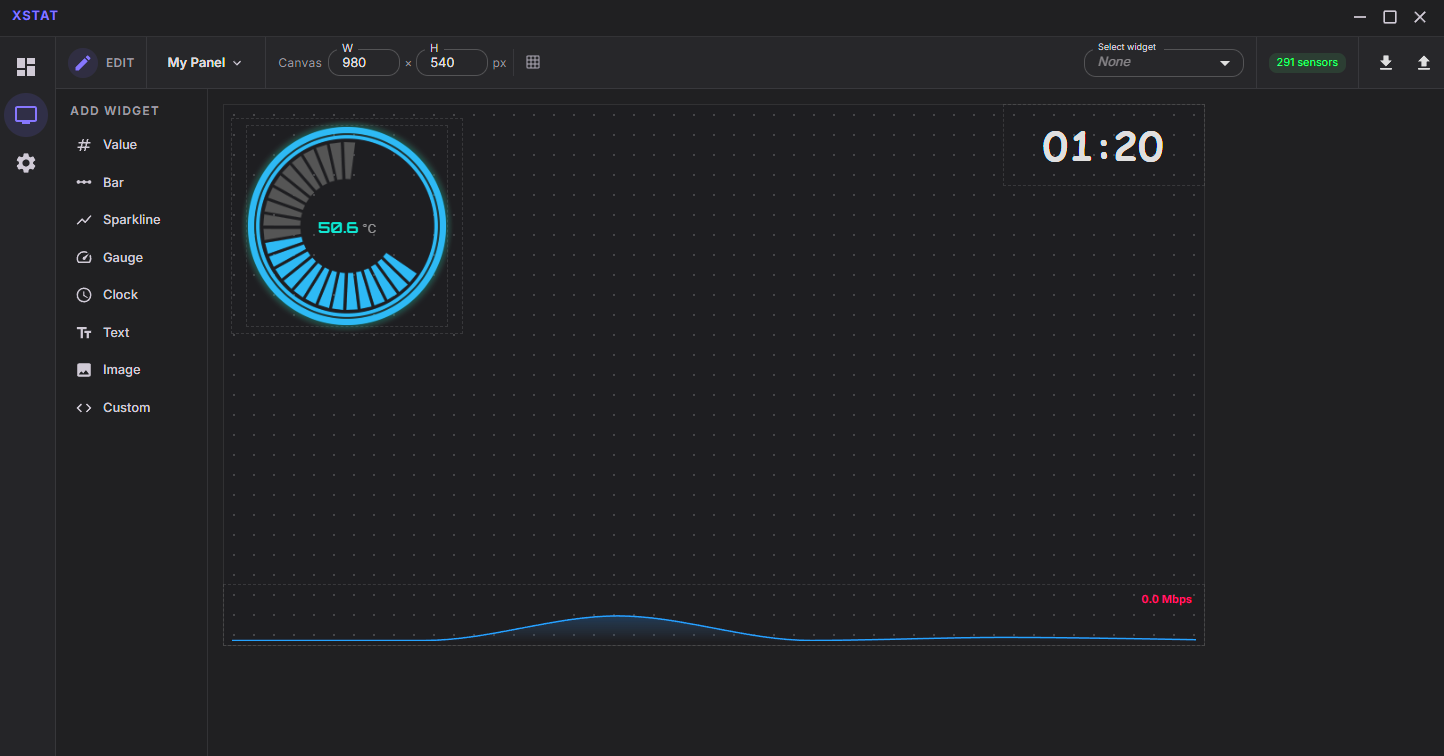
A drag-and-drop grid canvas lets you place, resize, layer, and style widgets exactly how you want them. Every element has its own colour, font, size, and visibility controls — no templates, no constraints.
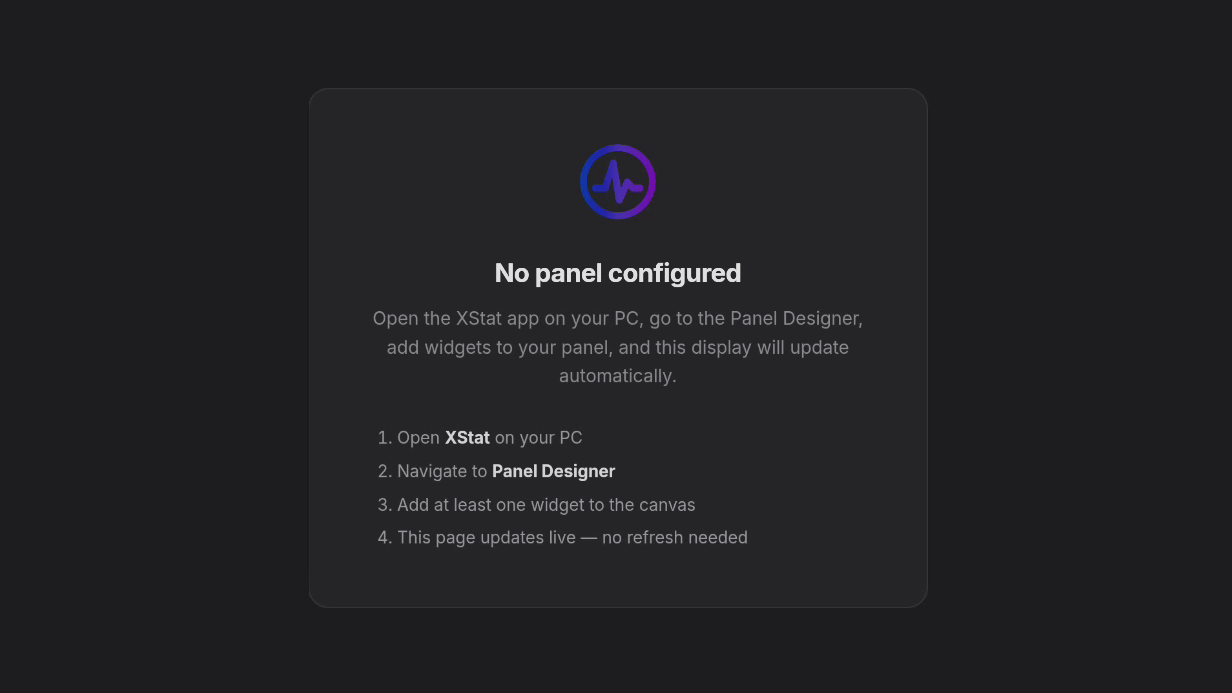
Your panel displays on any phone, tablet or secondary monitor on your network. Scan the QR code from Settings to open it instantly.
Write full HTML, CSS and JavaScript widgets in the built-in Monaco editor. Live preview updates as you type. Sensor data injected via postMessage.
Data is pushed over WebSockets to every connected client simultaneously — desktop and LAN browser in sync with no polling latency.
Create and switch between named panel layouts. Each panel is a separate design — use different ones for gaming, workstation or streaming setups.
Change the service port directly from the Settings page. The service restarts automatically — no config files to edit by hand.
The XStat Android app auto-discovers your PC on the network and displays your panel full-screen. Works on phones, tablets & Android TV.
Completely free and open source. Fork it, customise it, contribute back. No telemetry, no licence keys, no subscriptions — ever.
From live sensor dashboards to the full custom widget editor, XStat is a complete monitoring suite.
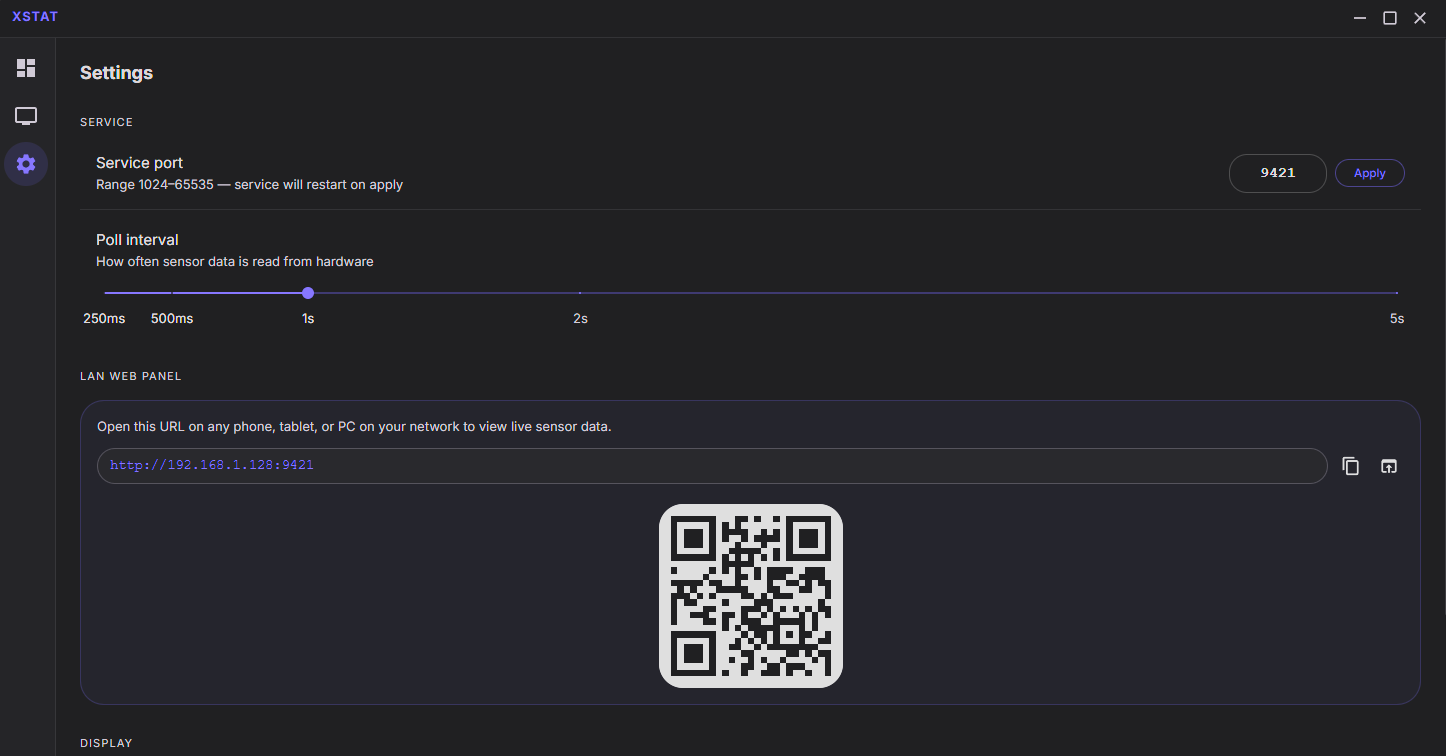
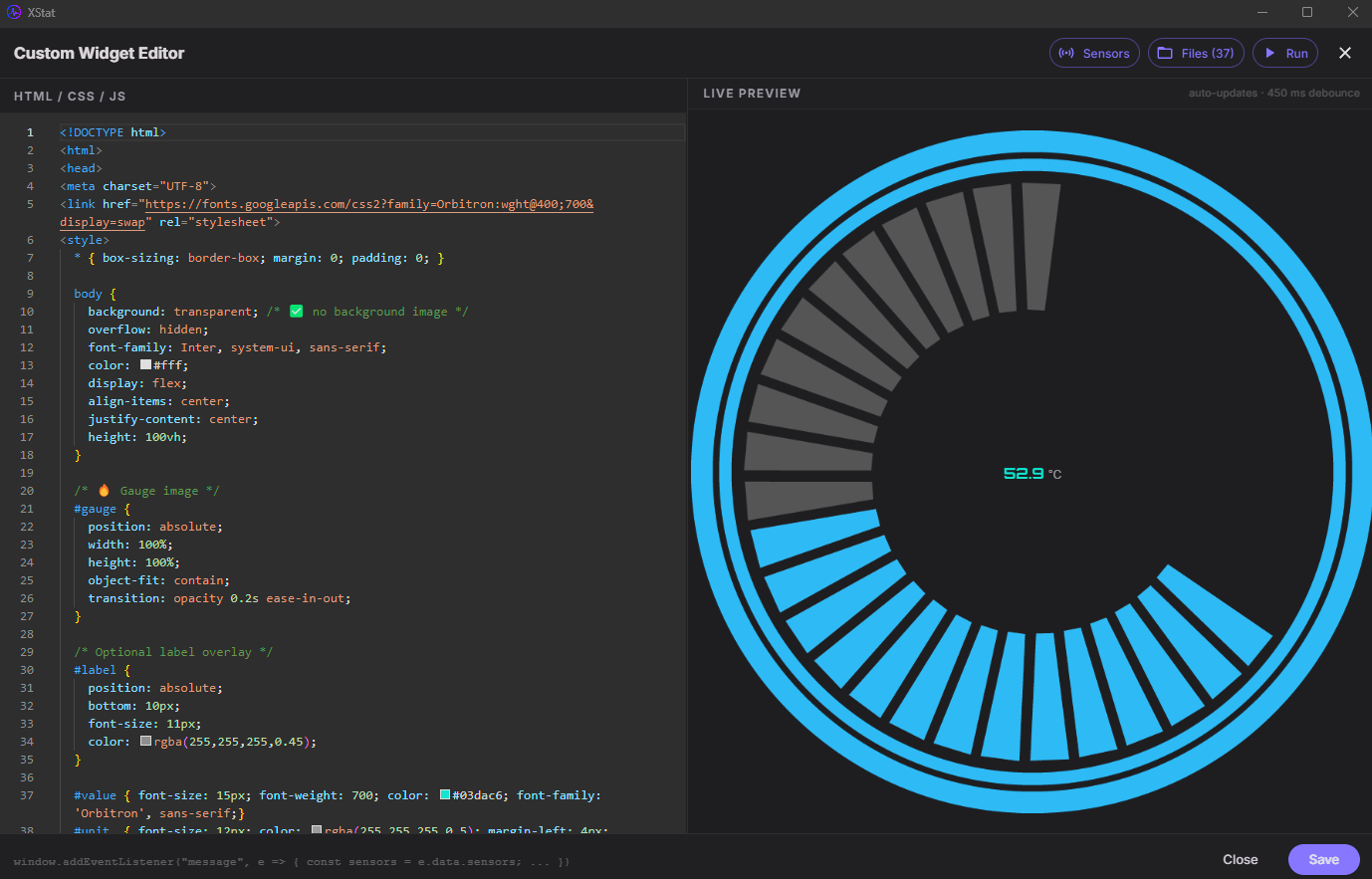
Every widget can be styled per-element, named, layered, and resized freely on the canvas. Bind any widget to any of the 291+ sensor channels.
The XStat companion app for Android automatically finds your XStat PC on the local network and displays your custom sensor panel full-screen — no setup, no typing IP addresses.
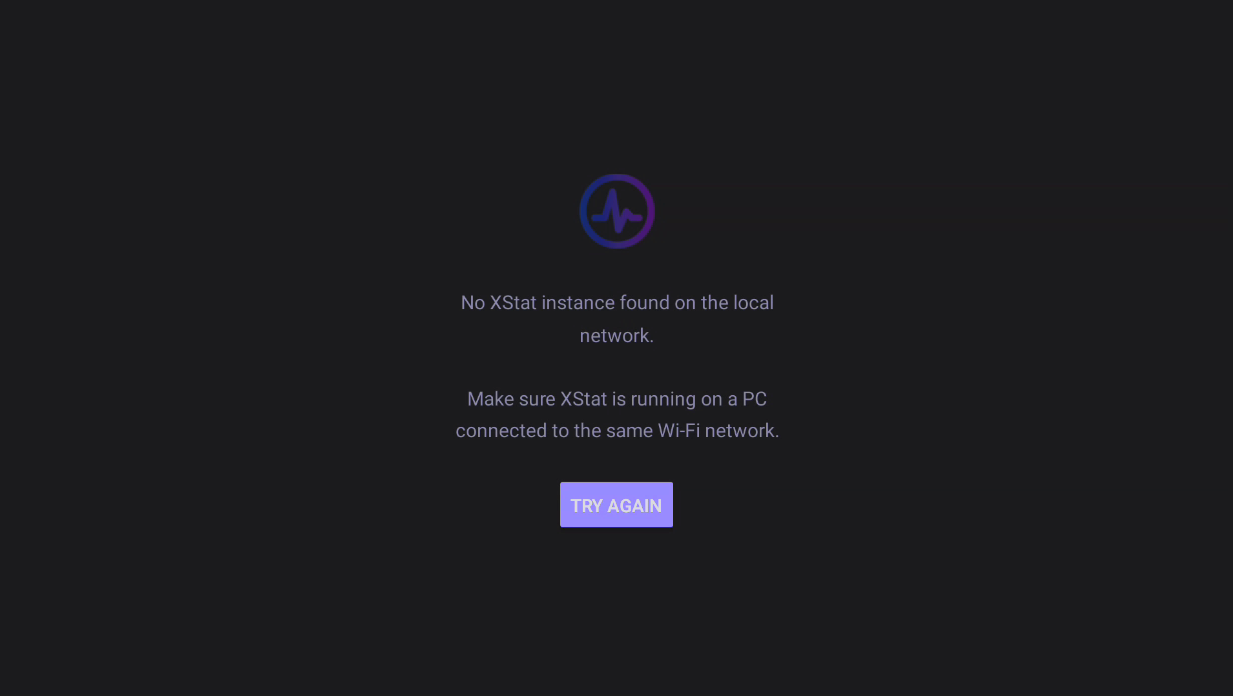
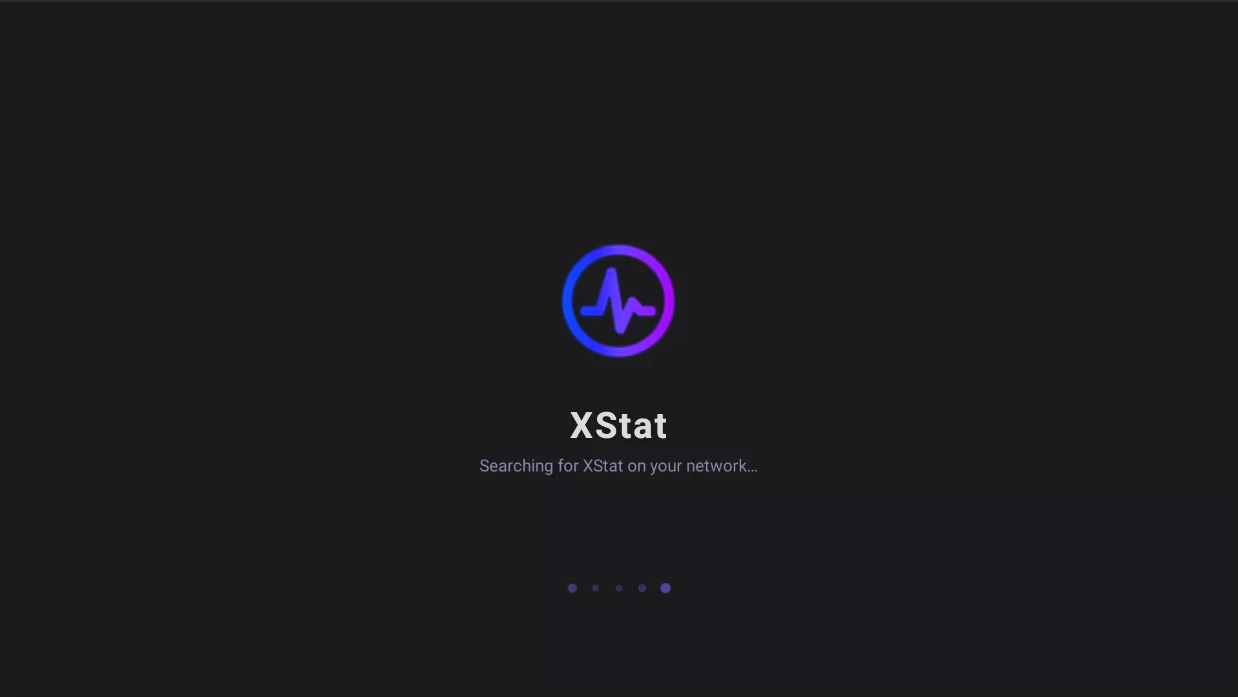
XStat broadcasts its presence over UDP. The Android app listens for the beacon, connects automatically, and loads your panel in a full-screen WebView. If the connection drops, it goes back to searching — no manual reconnect needed.
Animated splash discovers XStat on your network automatically via UDP broadcast.
Your custom sensor panel displays full-screen with live data pushed via SignalR.
If XStat goes offline the app detects it and returns to the search screen automatically.
Windows 10 / 11 — 64-bit. Administrator rights required for hardware sensor access.
NSIS installer that sets up the app, registers the hardware Windows Service, and creates Start Menu shortcuts.
Download InstallerNo installer needed. Extract the ZIP anywhere and run XStat.exe as administrator. All data stays inside the app folder.
Download PortableNode 20+ and .NET 9 SDK required. Clone, install, and run with one command using the included dev script.
View on GitHubAuto-discovers XStat on your network and displays your panel full-screen. Works on phones, tablets and Android TV.
Download APK# Clone and install
git clone https://github.com/Inside4ndroid/XStat-Hardware-Monitoring.git
cd XStat-Hardware-Monitoring/src/app
npm install
# Start in dev mode (will prompt for elevation)
npm run dev:admin